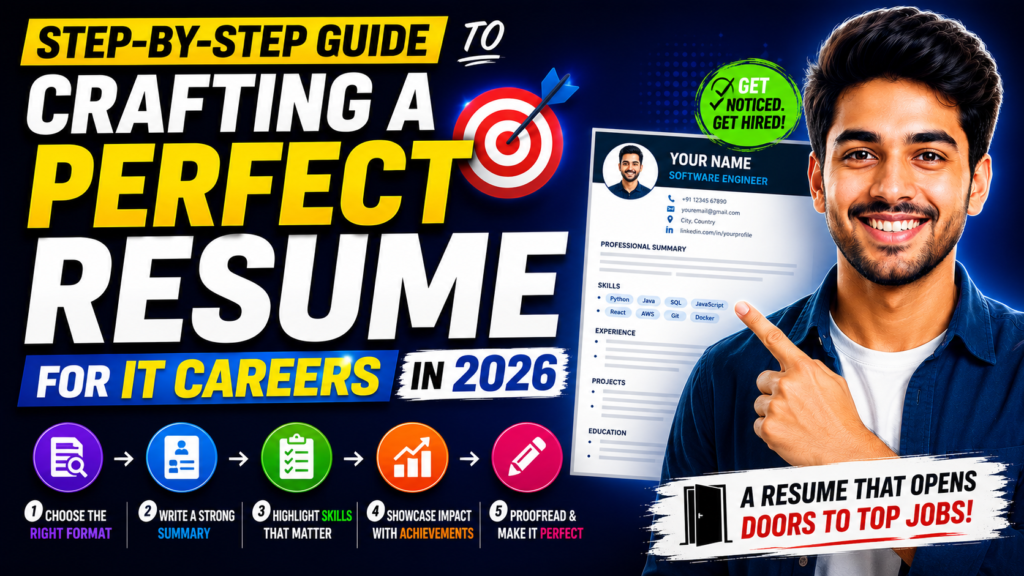
Crafting a perfect resume for IT careers is one of the most important steps any tech professional can take in 2026. Yet most candidates treat their resume as an afterthought — something they update once a year or throw together the night before applying. This step-by-step guide will change that approach entirely.
Whether you are a fresher or an experienced developer, following a structured process for crafting a perfect resume for IT careers gives you a measurable edge over the hundreds of other applicants competing for the same role.
WHY IT RESUMES NEED A DIFFERENT APPROACH
Most general resume advice does not account for the specific demands of IT hiring. A software developer’s resume needs to communicate technical depth quickly. A network engineer’s resume needs to list certifications prominently. A data analyst’s resume needs to show tools and datasets — not just job titles.
Getting this structure right is the foundation of crafting a perfect resume for IT careers. Let us go step by step.
STEP 1 — CHOOSE THE RIGHT RESUME FORMAT
For most IT professionals, a reverse-chronological format works best. It shows career progression clearly. If you are a fresher with limited work experience, consider a skills-based or hybrid format that leads with your technical abilities and certifications before your work history.
Keep your resume to one page if you have under five years of experience. Two pages is acceptable for senior roles. Three pages is almost always too long.
STEP 2 — WRITE A TARGETED PROFESSIONAL SUMMARY
Your summary sits at the top and sets the tone for everything that follows. It should name your role, your experience level, your key technical skills, and one standout achievement. Here is a template: “[Role] with [X] years of experience in [key skills]. [Notable achievement]. Looking for [type of role] at [type of company].”
This takes five minutes to write and is one of the highest-ROI steps when crafting a perfect resume for IT careers.
STEP 3 — BUILD YOUR TECHNICAL SKILLS SECTION
For IT resumes, the skills section is critical. Organise it into categories: Programming Languages, Frameworks, Databases, Cloud Platforms, DevOps Tools, and Operating Systems. Use the exact names employers search for — React.js not “front-end framework”, PostgreSQL not “databases”.
Add proficiency levels if helpful: Proficient, Familiar, or Certified. Do not list a skill you cannot discuss in an interview.
STEP 4 — WRITE ACHIEVEMENT-DRIVEN WORK EXPERIENCE
Each job entry should follow this structure: company name, role, dates, and 3–5 bullet points. Every bullet point must start with a strong action verb and include a measurable result where possible.
Weak: “Worked on React components for the company website”
Strong: “Built 12 reusable React components that reduced front-end development time by 30% across 3 product teams”
The difference is stark. Recruiters notice this instantly.
STEP 5 — INCLUDE CERTIFICATIONS AND EDUCATION
In Indian IT hiring, certifications carry significant weight — sometimes more than a degree from a tier-2 college. List your certifications prominently, with the issuing body and year. AWS Certified Developer, Google Cloud Associate, Microsoft Azure Fundamentals — these are shorthand signals that tell recruiters you have been tested on your skills.
For freshers, include relevant coursework, academic projects, and CGPA if it is above 7.5. The Google Career Certificates programme on Coursera (https://grow.google/certificates/) is a reliable starting point for those entering the field.
STEP 6 — ADD PROJECTS AND GITHUB
A dedicated Projects section is non-negotiable for IT resumes, especially for freshers and those changing specialisations. List 2–3 projects with: project name, tech stack used, your specific contribution, and a link to GitHub or a live demo.
Recruiters at product companies in Bengaluru, Hyderabad, and Pune specifically look at GitHub profiles during shortlisting. Create and maintain your profile at https://github.com — a blank GitHub is a missed opportunity.
STEP 7 — OPTIMISE FOR ATS
Before you submit your resume, run it through a free ATS checker. Jobscan (https://www.jobscan.co) is one of the most reliable tools available — it compares your resume against any job description and highlights keyword gaps. Even a small adjustment — adding “Agile methodology” or “CI/CD pipeline” — can dramatically improve your match score.
This ATS optimisation step is what separates a good IT resume from one that gets results — and it is why crafting a perfect resume for IT careers is a process, not a one-time task.
RESUME MISTAKES IT CANDIDATES MAKE MOST OFTEN
- Using creative templates with columns and icons (confuses ATS)
- Listing every technology they have ever touched, regardless of proficiency
- Copying job description bullet points word for word
- Missing GitHub link or outdated portfolio URL
- Leaving employment gaps unexplained without even a brief note
FINAL THOUGHTS
Crafting a perfect resume for IT careers is a skill in itself — one that compounds over time. Treat your resume like a product: iterate on it, gather feedback from peers or mentors, and update it every three to six months even when you are not actively job hunting. The effort you put in before sending a single application is what separates callbacks from silence.
For More Tips Visit Jobupdates.in